Skip to content
Just Simple Work
  • Home
  • Shop Resources
    • Leave Handoff Kit
    • Difficult Work Emails Vault
    • Shared Inbox SOP Kit
    • Office Control Logs & Trackers
    • Excel Formula Troubleshooter
    • Free Email Templates
    • AI Productivity Prompts
  • Blog
    • All Articles
    • Office Skills
    • Excel & Spreadsheets
    • Outlook & Inbox
    • Workplace Scripts
    • Office Logs & Trackers
    • AI Workflows
    • Digital DIY & No-Code
  • About
  • AI & Digital DIY
  • Contact

Digital DIY & No-Code

Practical step-by-step digital DIY guides for beginners: no-code automations, spreadsheets, forms, fillable documents, AI-assisted projects and easy-to-maintain tools.

Google Forms Timesheet Template: Track Hours in Sheets

November 12, 2026 by Just Simple Work Editorial Team
Two office colleagues reviewing a tablet and paperwork beside a laptop during a workplace timesheet discussion

Create a Google Forms timesheet, calculate hours in Sheets, handle overnight shifts, and approve entries before adding them to weekly totals.

Categories Digital DIY & No-Code

How to Make a Fillable PDF From a Word Document (2026 Guide)

November 11, 2026 by [email protected]
How to make a fillable PDF from a Word document: equipment request form beside a laptop with interactive PDF fields and Just Simple Work logo

Your Word form looks right, but the PDF has no working fields. Create a genuinely fillable PDF with Adobe Acrobat or a free LibreOffice method.

Categories Digital DIY & No-Code

Google Forms File Upload: Stop Chasing Email Attachments

November 9, 2026November 8, 2026 by Just Simple Work Editorial Team
Google Forms file upload guide featuring a document submission form, Google Drive and Google Sheets, with the Just Simple Work logo

Google Forms file upload guide: add an upload question, collect documents in Drive, track responses in Sheets, and handle sign-in limits without coding.

Categories Digital DIY & No-Code

How to Build a QR Code Check-In System With Google Forms and Sheets (No Coding)

November 6, 2026November 5, 2026 by Just Simple Work Editorial Team
An office visitor scans a QR code check-in sign featuring the Just Simple Work logo at a reception desk.

Replace paper sign-ins with a QR code that opens Google Forms and records attendance in Google Sheets. Includes a check-in template, formulas and privacy guidance.
Categories Office Skills, Digital DIY & No-Code

Google Forms Request Tracker: Build a No-Code Workflow With ChatGPT

November 6, 2026November 4, 2026 by Just Simple Work Editorial Team
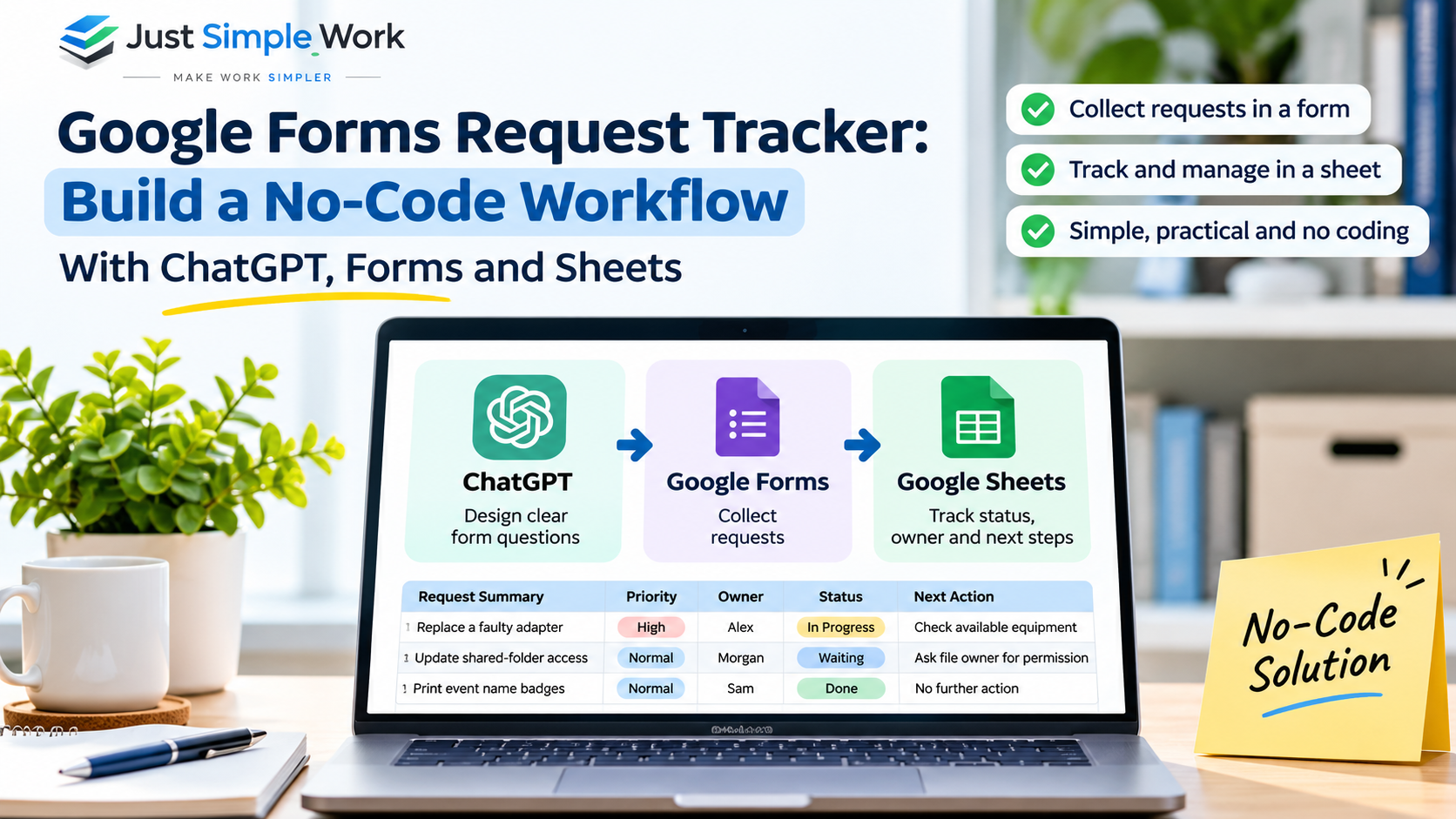
Just Simple Work guide to building a Google Forms request tracker using ChatGPT and Google Sheets, showing form intake, assigned owners, and status tracking.

Build a Google Forms request tracker with ChatGPT and Google Sheets: collect requests, assign owners, track status, and flag follow-ups without coding.

Categories Digital DIY & No-Code

Recent Posts

  • How to Filter Dates in Excel Correctly (With Examples)
  • How to Find Unique Values in Google Sheets
  • Google Forms Timesheet Template: Track Hours in Sheets
  • How to Make a Fillable PDF From a Word Document (2026 Guide)
  • How to Write a Scope Change Request: One-Page Template and Email Examples

Explore Guides

Excel & SpreadsheetsOutlook & Shared InboxWorkplace ScriptsOffice Logs & TrackersAI WorkflowsPractical AI & Digital DIY

Templates & Tools

All Office TemplatesOffice Workflow Toolkit BundleFree Email TemplatesAI Productivity Prompts Pack

Five-kit bundle: US$24.99, save 32% versus separate purchases.

About & Support

About Just Simple WorkContact & SupportPrivacy PolicyLatest Workplace Guides
Editable office templates (formats vary)One-time digital purchasesCheckout & delivery via Gumroad

Read Just Simple Work on Google

Add us as a preferred source for more practical workplace guides in Google Search.

© 2026 Just Simple Work • Built with GeneratePress