
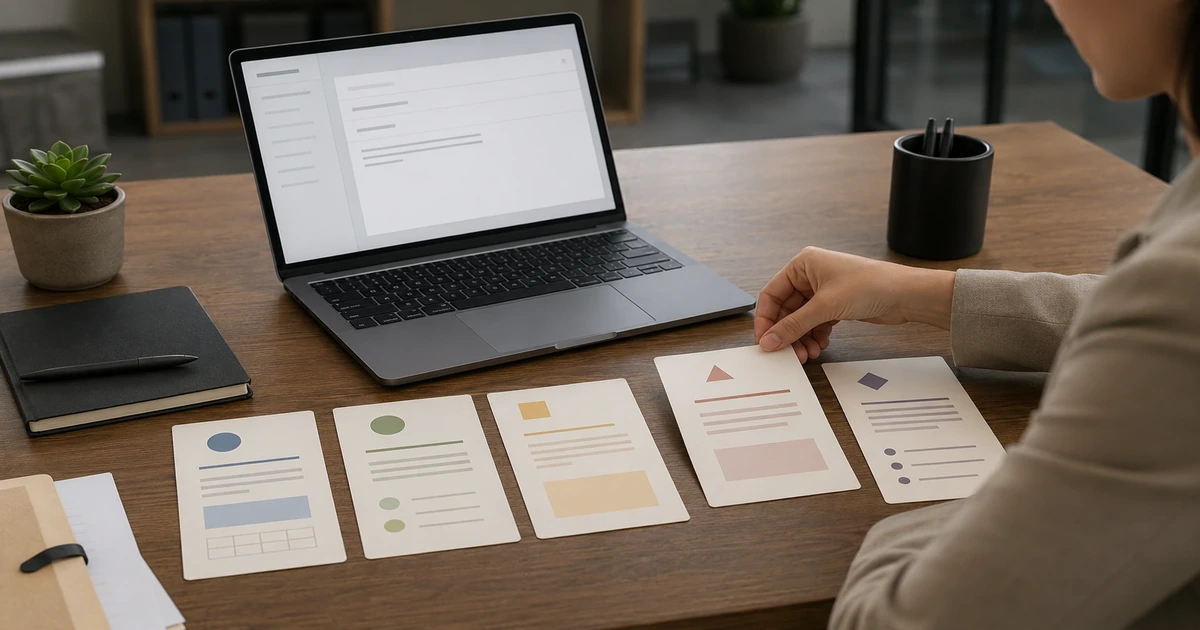
Recurring workplace emails are easier to handle when you begin with a clear structure instead of a blank page. A template can provide a useful starting point while leaving room to adjust the details, tone, and next step for each situation.
Why Workplace Email Templates Help
A workplace email template can help you organize essential context before you send a message. The most useful templates make the purpose clear, identify the requested action, and leave space for names, dates, and other details that need to be checked.
Templates should still be reviewed and adapted. The relationship, urgency, and amount of context can change from one message to the next.
Five Common Workplace Email Situations
1. Meeting Requests and Scheduling
A meeting request should explain the purpose, suggest practical times, and make the next step clear.
Example:
Hi [Name],
I’d like to schedule 30 minutes to discuss [topic]. I’m available [option one] or [option two]. Please let me know whether either time works, or suggest another time that suits your schedule.
Thanks,
[Your name]
2. Time-Sensitive Follow-Ups
A follow-up can briefly reference the earlier message, restate the required action, and include the relevant date.
Example:
Hi [Name],
I’m following up on my message from [date] about [topic]. Could you please confirm [specific action] by [date]?
Let me know if you need any additional information.
Best,
[Your name]
3. Task or Project Handoffs
A handoff email should identify the work being transferred, its current status, the next action, and any important dates or dependencies.
Example:
Hi [Name],
I’m handing over [task or project]. The current status is [status], and the next step is [next action] by [date]. Relevant files and notes are available at [location].
Please let me know if any part of the handoff needs clarification.
Thanks,
[Your name]
4. Polite Declines
A polite decline can acknowledge the request, state the constraint clearly, and offer an alternative only when one is appropriate.
Example:
Hi [Name],
Thank you for thinking of me for [request or opportunity]. I’m not able to take this on because of [brief constraint].
If helpful, I can [appropriate alternative].
Best,
[Your name]
5. Status Updates
A status update should summarize the current position, recent progress, upcoming work, and any decision or support required.
Example:
Hi [Name],
Here is the latest update on [project]:
- Status: [on track, at risk, or blocked]
- Completed: [recent progress]
- Next: [upcoming work]
- Needed: [decision, input, or support]
Thanks,
[Your name]
What Makes a Useful Workplace Email Template
- A clear purpose: The reader should understand why the message was sent.
- Necessary context: Include the details needed to understand the request or update.
- A specific next step: State the action, decision, or response that is needed.
- A professional tone: Adjust the wording for the relationship and situation.
- Appropriate detail: Include what matters and remove anything irrelevant.
- Room for customization: Replace every placeholder and confirm the facts before sending.
Explore the Office Email Templates Bundle
The Office Email Templates Bundle includes 35 workplace email templates for requests, meeting requests, time-sensitive follow-ups, polite declines, team announcements, apologies, escalations, delicate workplace conversations, status updates, and handoff emails.
Free · No signup required
View the Office Email Templates Bundle →
Tips for Adapting an Email Template
- Replace every placeholder with the correct name, date, request, or project detail.
- Confirm that facts, deadlines, and links are accurate.
- Adjust the tone for the recipient and situation.
- Remove sections that do not apply.
- Review the complete message before sending.
Final Thoughts
Workplace email templates can provide a practical starting structure for recurring situations. The final message should still reflect the facts, context, and professional relationship involved.